Blog · Spotlight ·
Spotlight: Presence — Welcome Desk
The visitor book, the staff in/out board and the fire clipboard, replaced by one kiosk — with contractor DBS checked at the gate.
The KeystoneOps team · 6 min read
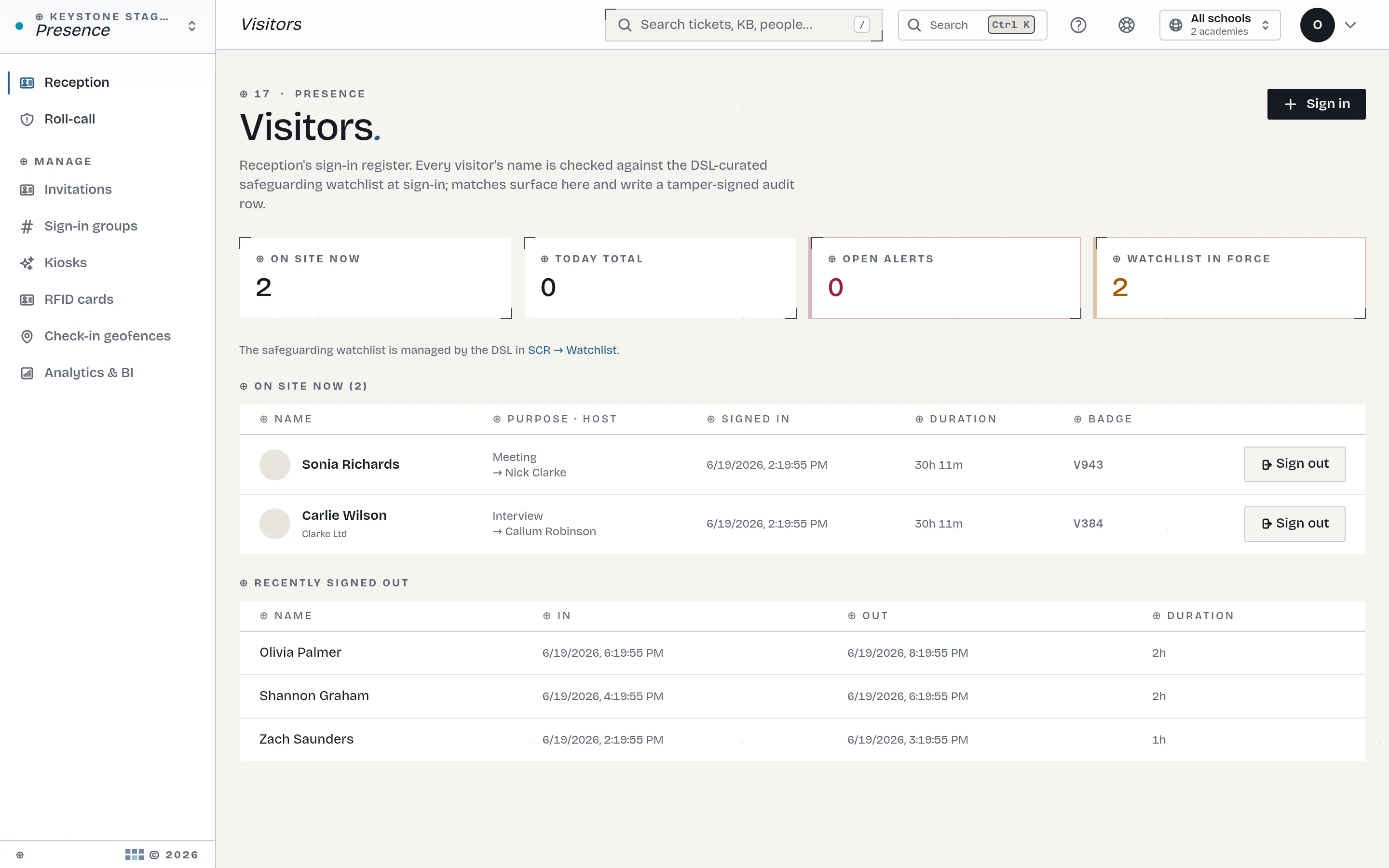
The visitor book is the most honest system in most schools: it's paper, it's by the door, and in a fire it's exactly where you can't get to it. Around it grows the usual sprawl — a sign-in tablet from one vendor, a staff in/out board, a clipboard for the roll-call, and a contractor process that lives in the site manager's memory.
This week's spotlight: Presence — Welcome Desk, sign-in for everyone who crosses the threshold, from one kiosk, on the same platform as everything else.
One kiosk, every entrance, your branding
Each entrance gets a configurable kiosk — your trust's branding, your questions, edited live from the admin side. Visitors sign in against a named host; pre-arrival QR invitations mean expected guests walk through in seconds. Staff tap in and out on the same screen — or skip the screen entirely: the mobile app can sign staff in automatically as they arrive on site, via a geofence each staff member switches on themselves, on their own device. Either way, "who's on site" is one live view, not three.
The app: sign-in that happens by itself
Staff shouldn't queue behind visitors to tap a screen. The native app carries presence check-in alongside its other jobs (approvals, self-service, field capture) — and the geofence takes it a step further: arrive on site and you're signed in, leave and you're signed out. It's each staff member's own choice, on their own device — switch it on, switch it off, nobody is tracked anywhere but the school gate they already walked through. The point isn't surveillance; it's that the fire register is right without anyone thinking about it.
Contractors: DBS at the gate
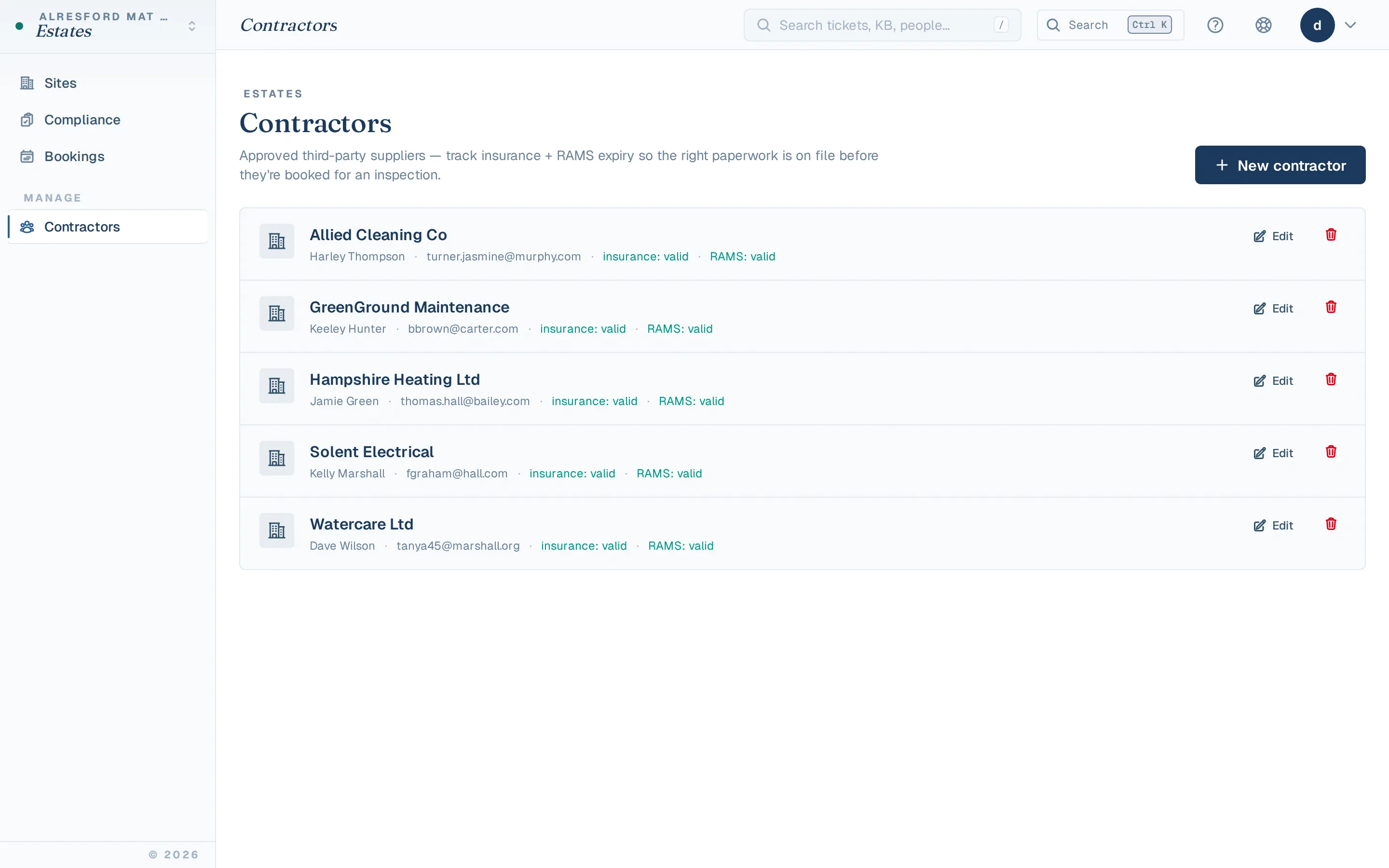
Contractors are where sign-in meets safeguarding. When a contractor signs in, Presence checks them against the contractor register — is the company approved, is the named person's DBS on record, is the induction current? A watchlist match alerts the DSL before a badge is printed. The August works window stops being a safeguarding blind spot.
Fire roll-call from the thing that already knows
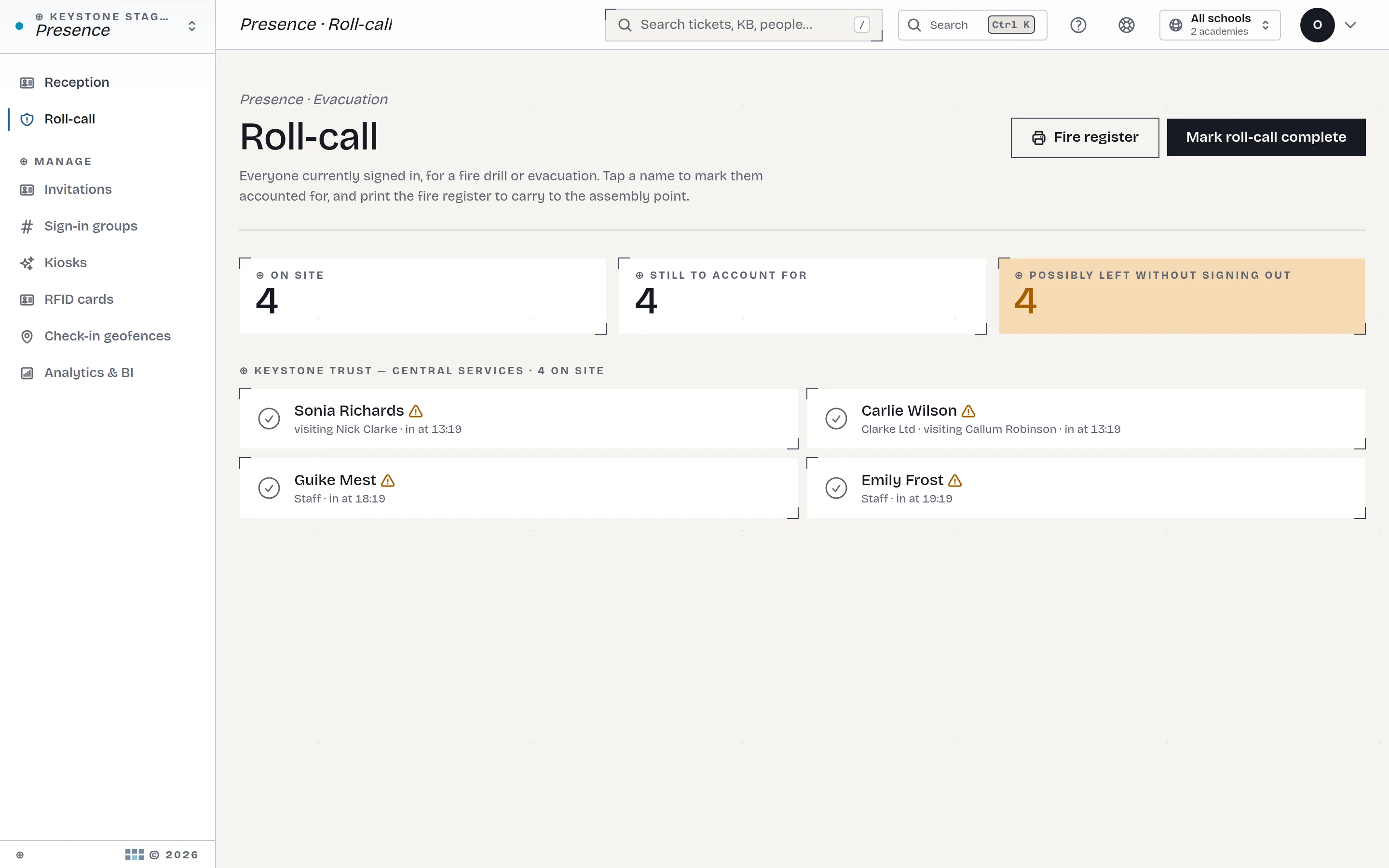
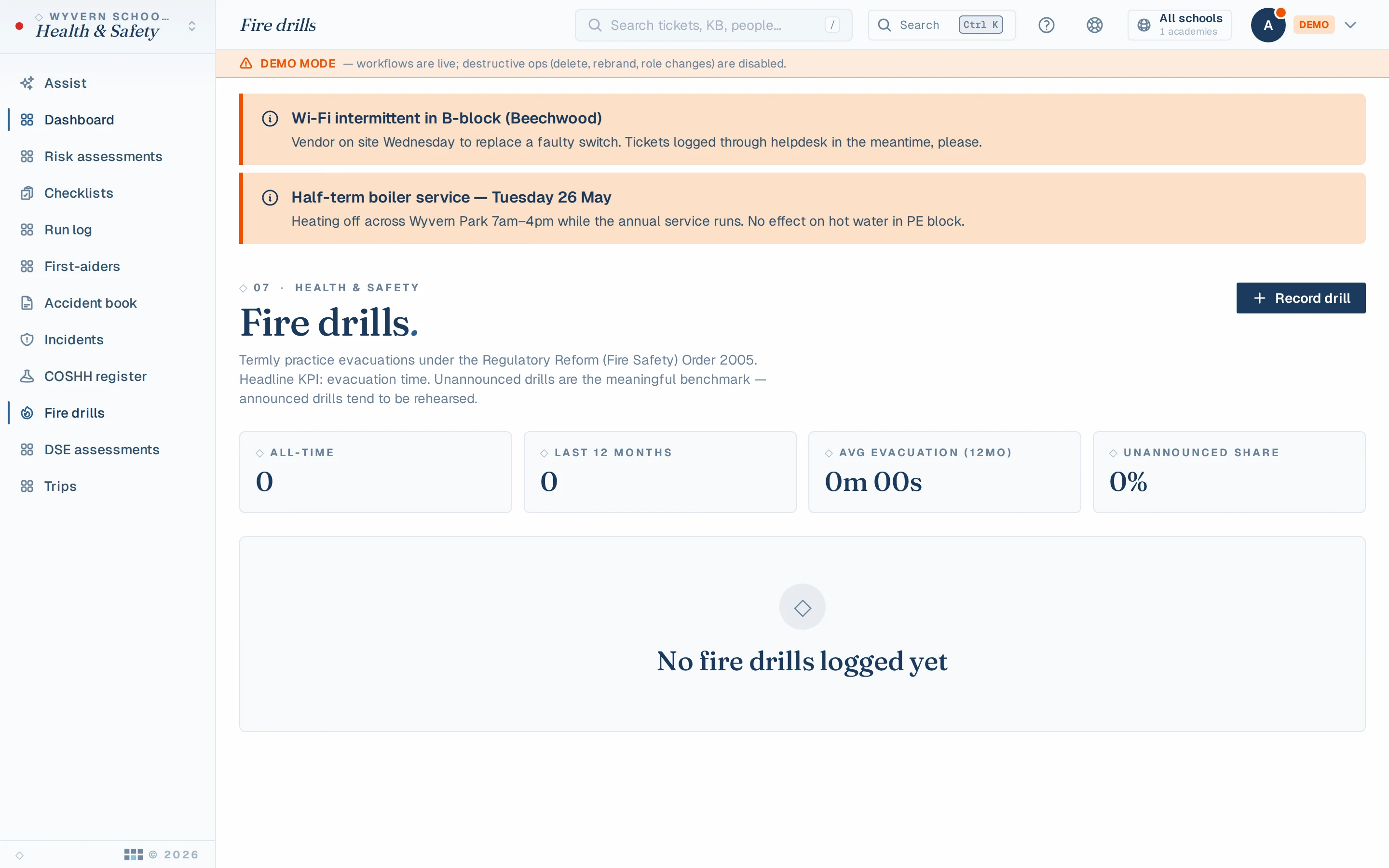
The register that knows who's in the building is the register you evacuate with. Roll-call runs on any phone or tablet at the muster point — everyone signed in, staff and visitors together, checked off live. The drill gets logged in Health & Safety as evidence, because a drill that isn't recorded didn't happen, as far as an inspector is concerned.
And the data behaves like everything else here
A visitor system is a personal-data system, which is why bolted-on sign-in tablets make DPOs twitch: whose cloud is that name and photo in, and for how long? Presence records live inside the platform, under the same retention rules, the same tamper-evident audit trail and the same DSAR machinery as every other record. "Who visited us in March?" is a query for a safeguarding audit — not an email to a tablet vendor's support desk.
What we're honest about
- Pupils are deliberately not in it yet. Pupil presence needs pupil data, and pupil data ships switched off until your trust has done the DPIA and opted in. We'd rather you noticed the gap than discovered the shortcut.
- A kiosk needs a door policy. The software records who signed in; it can't make anyone sign in. The schools that get the most from Presence are the ones whose front desk treats the kiosk as the gate, not a suggestion.
See it in the demo
The kiosk, the live register and the roll-call are all in the live demo. See the full module →
See KeystoneOps on your own data.
Click around the live demo — the real product, synthetic data — or get a 7-day private instance seeded with your trust's structure.